

Strategy
Nexus Chess
Zone-control tactical chess.
Hold the Nexus with your King, spend mana on abilities, and climb the computer ladder. Free in the browser, install on Android.
About
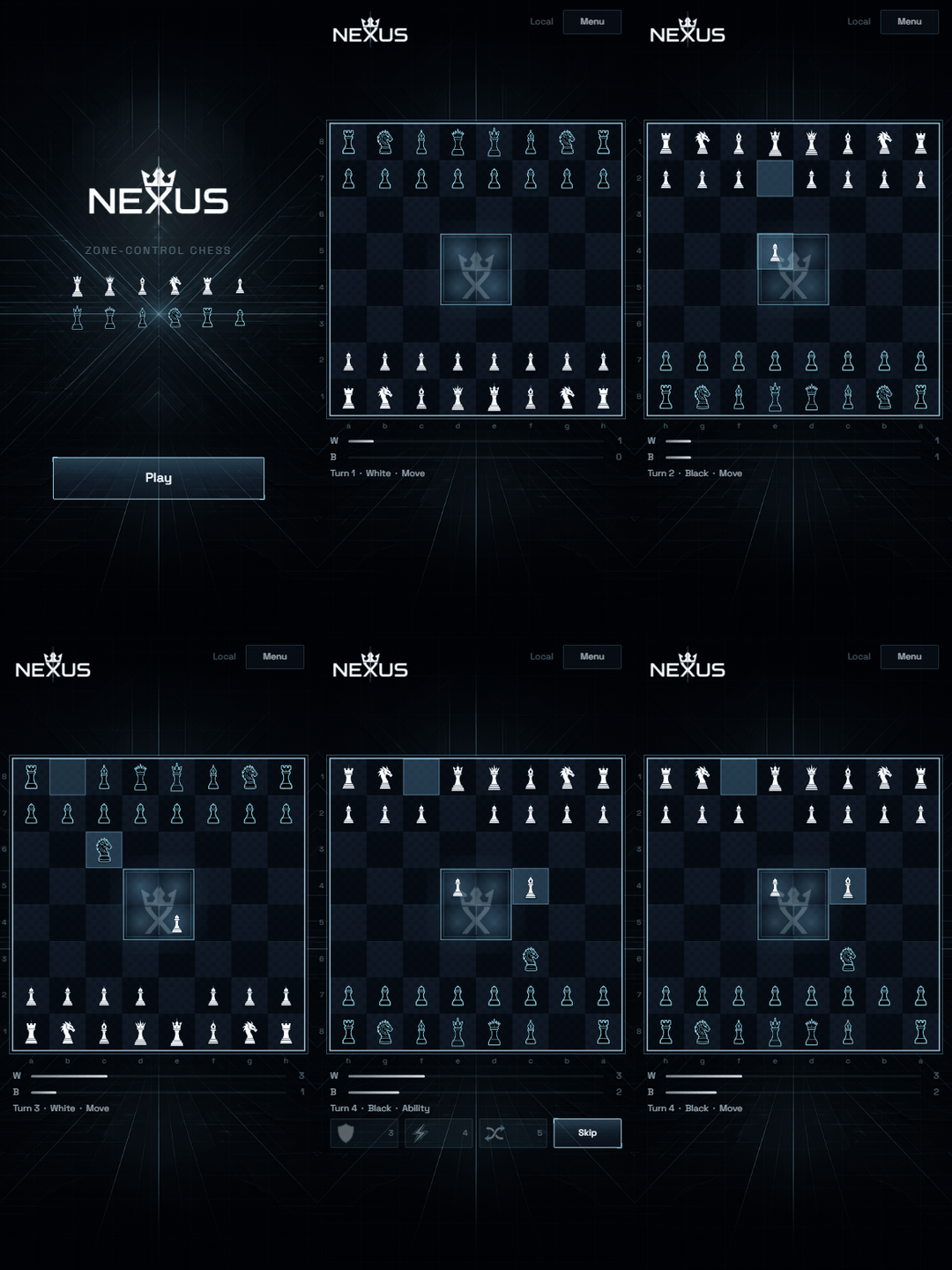
Nexus Chess is SKITZ zone-control chess: win by holding the center Nexus with your King for a full round, or by capturing theirs while it stands inside. Earn mana to cast Aegis, Overdrive, or Swap before your move. Play the computer at any rating, flip boards (Nexus / Forge / Classic), and learn the loop in a short first-run tutorial.
Free to play online. Free to install on Android via Chrome (Install app).
Download & install
Play free in the browser. On Android, install Nexus Chess from Chrome — home-screen icon, fullscreen, no store required.
Android — install
How to install
- Tap Open game to install (Chrome on Android).
- Tap the menu (⋮) → Install app or Add to Home screen.
- Confirm — Nexus Chess lands on your home screen and opens fullscreen.
Icon not updating? Android keeps the first home-screen icon forever. Long-press the old Nexus Chess icon → Remove / Uninstall, then open the game in Chrome and Install again. The new logo only appears on a fresh install.
free
Play free. Install free.
Full web play, Android install from Chrome, and the whole puzzle loop — no account wall, no paywall on the desks.