

SKITZ · Android remote
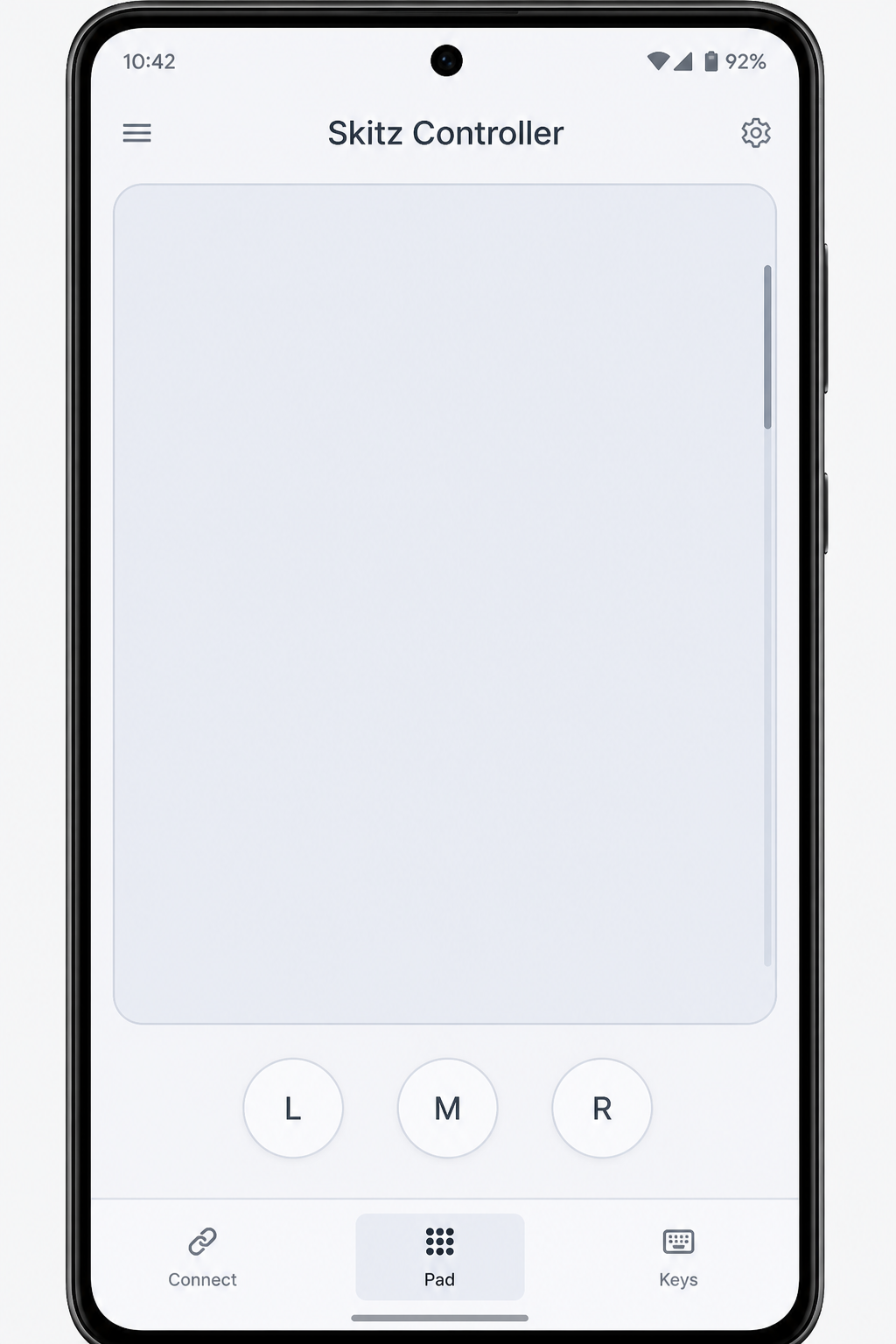
Skitz Controller
Your phone is the mouse and keyboard.
Pair over Bluetooth. No PC install. Windows and Mac see a normal cursor and keys.
Android 9+ · Bluetooth HID · free sideload
install
Sideload. Pair. Click.
Four steps. No companion app on the PC — your phone becomes the input device.
- 1Download the APK
Grab it on your Android phone from this page.
Download APK - 2Install Skitz Controller
Allow installs from this browser if prompted, then open the app.
- 3Make the phone discoverable
Allow Bluetooth, tap Make phone discoverable.
- 4Pair from the PC
Bluetooth → Add device → select Skitz Controller → use Pad and Keys.
Needs Android 9+ with Bluetooth HID Device support. Pixels are solid; some OEMs disable the profile. iOS can’t do this.
Updating from an older install? Uninstall the old app first, then download this APK again. Re-pair as Skitz Controller.
free
Free APK. No PC install.
Sideload once, pair over Bluetooth, control the desk — no account, no store, no companion software.